
Transform Your Resume PDF Into an Online Portfolio in Minutes
Convert your resume PDF to a live website instantly. Learn how to publish your resume online with clean, ATS-friendly templates and share it with ease.
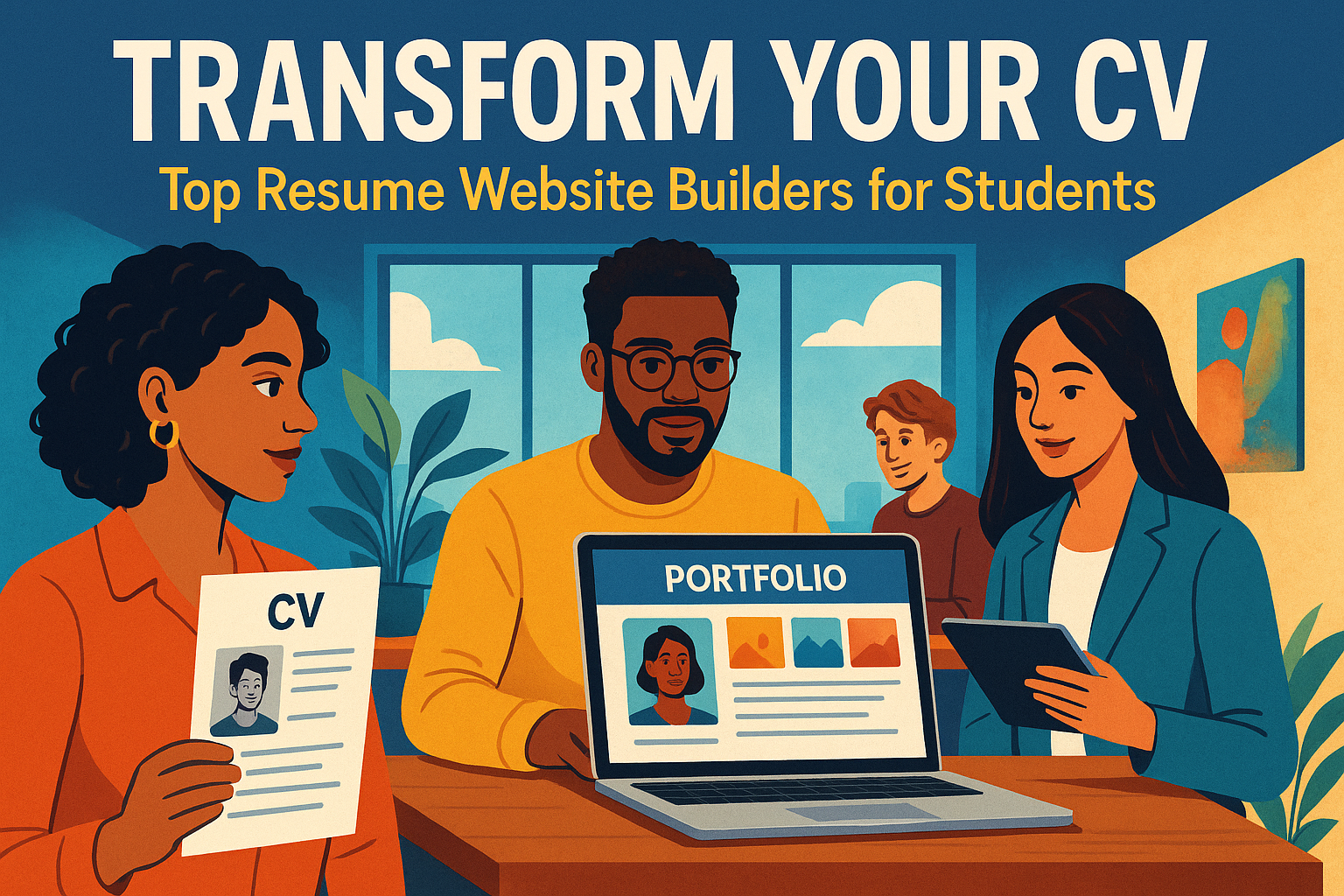
Convert Your Resume PDF to a Live Website
In today's fast-paced job market, standing out can feel like a monumental challenge. You've crafted the perfect resume, but how do you ensure it catches the eyes of hiring managers? The answer lies in transforming your static resume into a dynamic online presence. Imagine having a personal website linked directly to your resume that you can share with ease. Let's explore how you can publish your resume online in just a few clicks!
How It Works
Three Simple Steps
Upload Your PDF
Start by uploading your resume PDF. Our platform will automatically extract the relevant sections, making the transition seamless.
Pick a Template
Choose from a variety of clean, ATS-friendly templates. Customize the basics like your name, contact details, and a brief summary to reflect your personal brand.
Publish & Share
With just one click, you can publish your site and obtain a sharable link. Now your resume is no longer confined to a PDF—it's a live showcase ready to impress.
Why It Wins More Attention
In a world where hiring managers scan applications in seconds, an online resume can be a game-changer. Here's why:
- Mobile-First Viewing and Instant Access: Job seekers often apply on-the-go, and a website is easily accessible from any device. Your resume will be perfectly formatted for mobile, ensuring it looks great wherever it's viewed.
- Easy Updates After You Apply: Did you land a new project? Update your site in real time without having to re-upload a new PDF each time. This gives you the flexibility to keep your portfolio fresh.
- Works Alongside Your Downloadable PDF: Maintain a traditional PDF version for job portals while giving employers a more engaging experience through your website. It's the best of both worlds.
Share and Track Results
Sharing your newly created personal link is a breeze. Copy it with just one click and paste it into job applications, emails, or your LinkedIn profile. Want to know how many people are checking out your site? Optional analytics allow you to see views and track top referral sources. Plus, when you're ready to brand yourself fully, you can add a custom domain for a professional touch.
Resume Website Templates That Pass ATS
Worried about Applicant Tracking Systems (ATS) filtering out your resume? Fear not! Our templates are designed to keep your content structured, making it easy for ATS to read. When the time comes to submit a PDF, you can export an ATS-friendly file directly from your website.
ATS-Friendly Design
Our templates maintain clear structure and proper formatting that ATS systems can easily parse. This means your resume gets through the initial screening and into the hands of real hiring managers.
Use Cases
Students
As a student, you might not have extensive work experience, but showcasing your projects and coursework can set you apart. A single link can highlight your academic achievements and skills, making it easier for potential employers to see your potential.
Freelancers
If you're a freelancer, turn your resume into a lead-ready services page. Highlight your skills, showcase client testimonials, and provide direct links to your portfolio—all in one place.
Career Switchers
Transitioning to a new field? Use your resume website to reframe your skills and experiences without rebuilding from scratch. Tailor the narrative to align with your new career goals, and give hiring managers a clear picture of your transferable skills.
Frequently Asked Questions
Do I need design or coding skills?
No! Upload your resume, choose a template, and publish your link—it's that simple. Our platform handles all the technical aspects so you can focus on your content.
Can I keep my resume ATS-friendly?
Absolutely! Our platform maintains a clear structure and allows you to export an ATS-compatible file when needed. You get the best of both worlds: a beautiful online presence and a functional PDF for traditional applications.
How do I add a custom URL or domain?
Once you publish your resume website, you'll receive a personal link. When you're ready for full branding, you can easily upgrade to connect your own domain, giving you a professional edge like yourname.com.
Can I see analytics?
Yes, you can add analytics to track views and referrers. Utilize these insights to enhance your outreach and improve your job application strategy. Know exactly who's viewing your resume and from where.
Conclusion
Transforming your resume into a live website is not just a trendy move; it's a strategic decision that can significantly enhance your visibility in the job market. By creating a clean, accessible online presence, you set yourself apart from the competition. Whether you're a student, freelancer, or career switcher, having a polished personal link can be your ticket to landing that dream job.
Don't wait—upload your resume PDF today and watch your career take flight!
Transform Your Career Today
Join thousands of professionals who've already transformed their careers with our AI-powered CV builder and portfolio templates.
Start Building Free